Course Overview
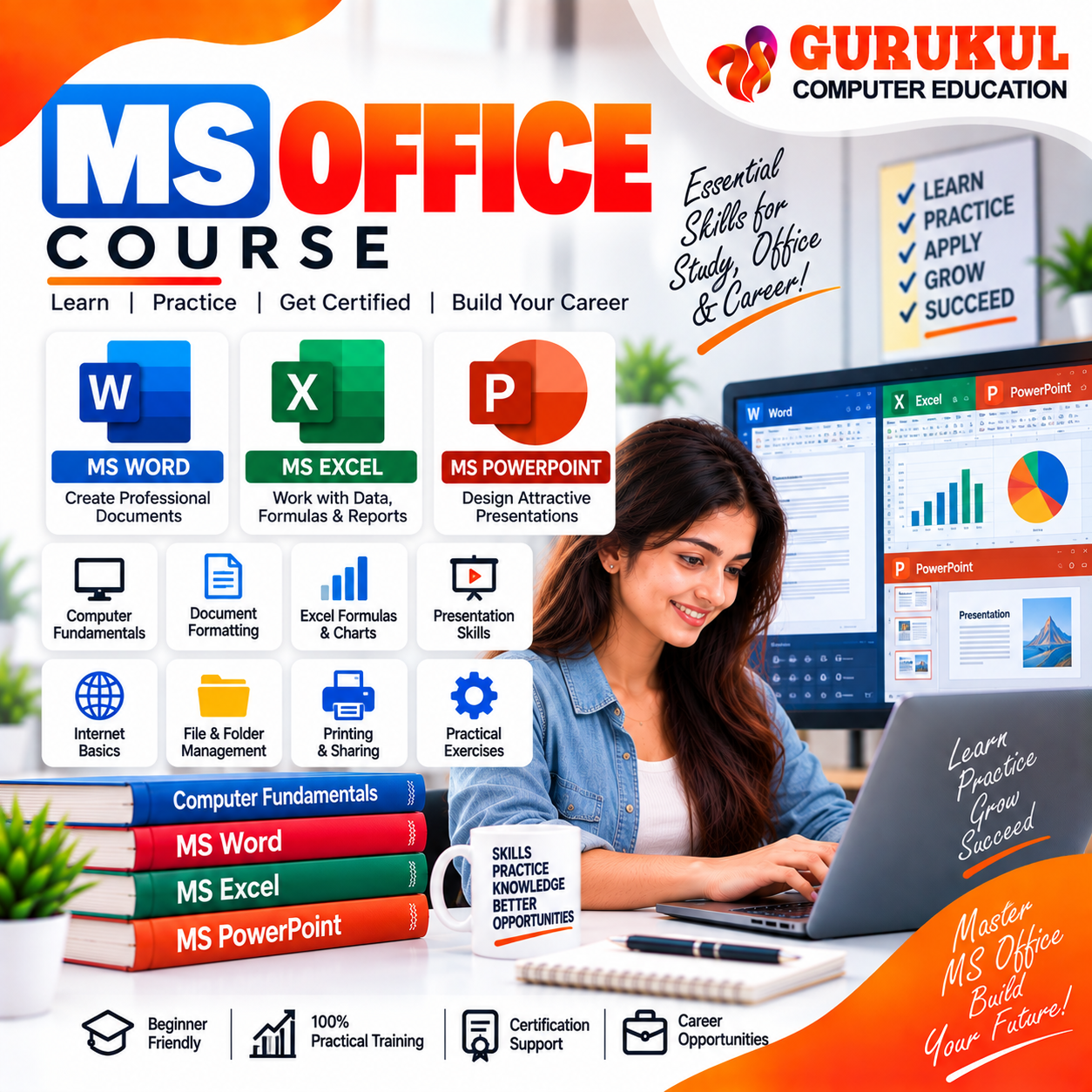
Build essential digital and office productivity skills with our MS Office Course in Nashik at Gurukul Computer Education. This practical MS Office Course is designed for beginners, students, job seekers, office professionals and learners who want to improve their computer skills and become confident in using essential office applications. The course starts with Computer Fundamentals, covering computer types, input and output devices, computer memory, system and application software, operating system basics, file and folder management and Internet fundamentals. In MS Word, students learn document creation and professional formatting, including text and paragraph formatting, page setup, tables, images, shapes, SmartArt, Mail Merge, headers, footers, watermarks, document protection and printing. The MS Excel module introduces spreadsheet structure, data entry and formatting, formulas and functions, charts and graphs, conditional formatting, data validation, basic Pivot Tables, print setup and data export. These skills are useful for office reports, records, calculations and basic data analysis. Students also learn MS PowerPoint for creating professional presentations, including slide design and layouts, themes, animations, transitions, images, audio, video, slide show tools, hyperlinks, action buttons, printing and presentation handouts. The MS Office Course in Nashik combines classroom instruction with practical computer lab exercises so that learners can practice each application and develop skills useful for office jobs, administration, documentation, data entry, education and everyday professional work.
Syllabus & Modules
- Introduction to Computers
- Types of Computers
- Input & Output Devices
- Computer Memory
- System & Application Software
- Introduction to Operating System
- Files, Folders & Drive Management
- Internet Basics
- MS Word Interface & Navigation
- Formatting Text & Paragraphs
- Page Setup & Layout
- Tables, Images, Shapes & SmartArt
- Mail Merge
- Headers, Footers & Watermarks
- Document Protection & Printing
- Worksheet Structure & Navigation
- Data Entry & Formatting
- Formulas & Functions
- Charts & Graphs
- Conditional Formatting
- Data Validation
- Basic Pivot Tables
- Print Setup & Export
- Slide Design & Layout
- Themes, Animation & Transition
- Inserting Images, Audio & Video
- Slide Show & Presentation Tools
- Hyperlinks & Action Buttons
- Slide Printing & Handouts
Eligibility Criteria
Career Opportunities
Computer Operator
Perform day-to-day computer operations, document work, file management, data entry and routine office tasks.
Office Assistant
Create and manage documents, spreadsheets, presentations, records and other office-related computer work.
Data Entry Operator
Enter, format and maintain business or organizational data using computer applications and spreadsheets.
Office Executive
Handle documentation, Excel records, reports, presentations and routine administrative activities.
Computer Assistant
Support organizations with document preparation, data management, printing, presentations and basic computer operations.
Software & Tools Covered
Ready to enroll in MS Office Course?
Contact our team to know more about the syllabus, fees, upcoming batches and admission process.