Course Overview
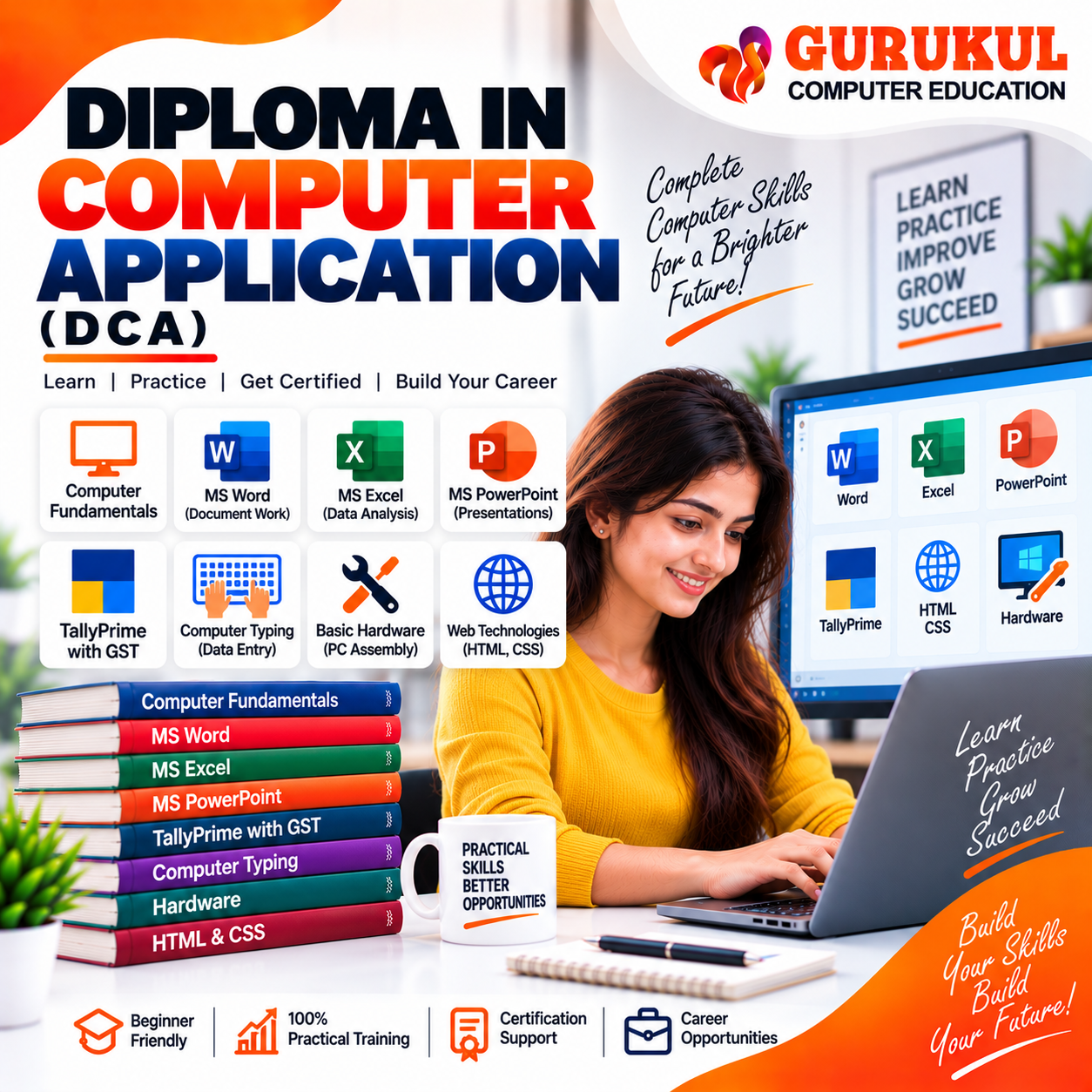
Build a strong foundation in computer applications with our Diploma in Computer Application (DCA) Course in Nashik at Gurukul Computer Education. This comprehensive DCA Course in Nashik is designed for students, beginners and learners who want to develop practical computer skills required for office work, accounting, data entry, business applications and further professional studies. The course begins with Computer Fundamentals, covering computer types, input and output devices, memory, system and application software, operating system basics, file and folder management and Internet fundamentals. Students receive practical training in MS Word, including document formatting, page setup, tables, images, shapes, SmartArt, Mail Merge, headers, footers, watermarks, document protection and printing. The MS Excel module covers worksheet navigation, data entry, formatting, formulas and functions, charts, conditional formatting, data validation, basic Pivot Tables, printing and data export. Students also learn MS PowerPoint, including slide design, layouts, themes, animations, transitions, multimedia, presentation tools, hyperlinks, action buttons and printing handouts. The course includes practical TallyPrime with GST training covering company setup, ledgers and groups, voucher entries, inventory management, TDS, TCS, GST configuration, sales and purchase entries, GST reports, bank reconciliation, payroll, backup, restore and security controls. The Computer Typing module develops keyboard awareness, finger positioning, typing accuracy, speed-building techniques and regular typing practice. Students are also introduced to Elementary Computer Hardware, including computer components, PC assembly demonstration, peripheral connections, BIOS/UEFI, operating system installation and basic troubleshooting. The course concludes with Web Technologies, covering websites and Internet concepts, domains, hosting, HTML, CSS, web page elements, forms, hyperlinks, images, basic styling and website uploading. The Diploma in Computer Application Course in Nashik combines classroom learning with practical computer lab training to help learners develop essential digital and office skills.
Syllabus & Modules
- Introduction to Computers
- Types of Computers
- Input & Output Devices
- Computer Memory
- System Software & Application Software
- Introduction to Operating System
- Files, Folders & Drive Management
- Internet Basics
- MS Word Interface & Navigation
- Formatting Text & Paragraphs
- Page Setup & Layout
- Tables, Images, Shapes & SmartArt
- Mail Merge
- Headers, Footers & Watermarks
- Document Protection & Printing
- Worksheet Structure & Navigation
- Data Entry & Formatting
- Formulas & Functions
- Charts & Graphs
- Conditional Formatting
- Data Validation
- Basic Pivot Tables
- Print Setup & Export
- Slide Design & Layout
- Themes, Animation & Transition
- Inserting Images, Audio & Video
- Slide Show & Presentation Tools
- Hyperlinks & Action Buttons
- Slide Printing & Handouts
- TallyPrime Interface & Company Setup
- Masters – Ledgers & Groups
- Voucher Types & Entries
- Inventory Management
- TDS & TCS
- Report Printing
- GST Configuration & Entries
- GST Sales & Purchase Entries
- GST Reports – GSTR-1, GSTR-2, GSTR-3B
- Bank Reconciliation
- Payroll Management
- Backup & Restore
- Security Controls
- Keyboard Awareness
- Home Row Key Positioning
- Finger Placement & Accuracy
- Typing Sentences & Paragraphs
- Typing Numbers & Symbols
- Speed Building Drills
- Regular Speed & Accuracy Tests
- Computer Components
- CPU
- Motherboard
- RAM
- HDD / SSD
- Power Supply Unit (PSU)
- PC Assembly & Disassembly Demonstration
- Connecting Input & Output Devices
- BIOS / UEFI Basics
- Operating System Installation
- Basic Troubleshooting & Maintenance
- Introduction to Web, Website & Internet
- Domain Name
- Web Hosting
- Introduction to HTML
- HTML Tags, Elements & Attributes
- Text Formatting
- Lists
- Tables
- Forms
- Hyperlinks & Images
- Introduction to CSS
- Types of CSS
- CSS Selectors, Classes & IDs
- Basic Styling – Colors, Fonts & Layout
- Uploading a Website to Free Hosting
Eligibility Criteria
Career Opportunities
Computer Operator
Perform day-to-day computer operations, document work, data entry, file management and office-related computer tasks.
Data Entry Operator
Enter, format and maintain business information accurately using computer applications and office software.
Office Assistant
Handle documents, spreadsheets, presentations, email, printing, data management and routine office computer work.
Accounts Assistant
Support basic accounting, TallyPrime entries, GST-related records, billing and financial documentation.
Computer Typist
Perform typing and document preparation tasks with focus on speed and accuracy.
Junior Web Assistant
Assist with basic HTML/CSS website content, webpage updates and basic web-related tasks.
Software & Tools Covered
Ready to enroll in Diploma in Computer Application (DCA)?
Contact our team to know more about the syllabus, fees, upcoming batches and admission process.